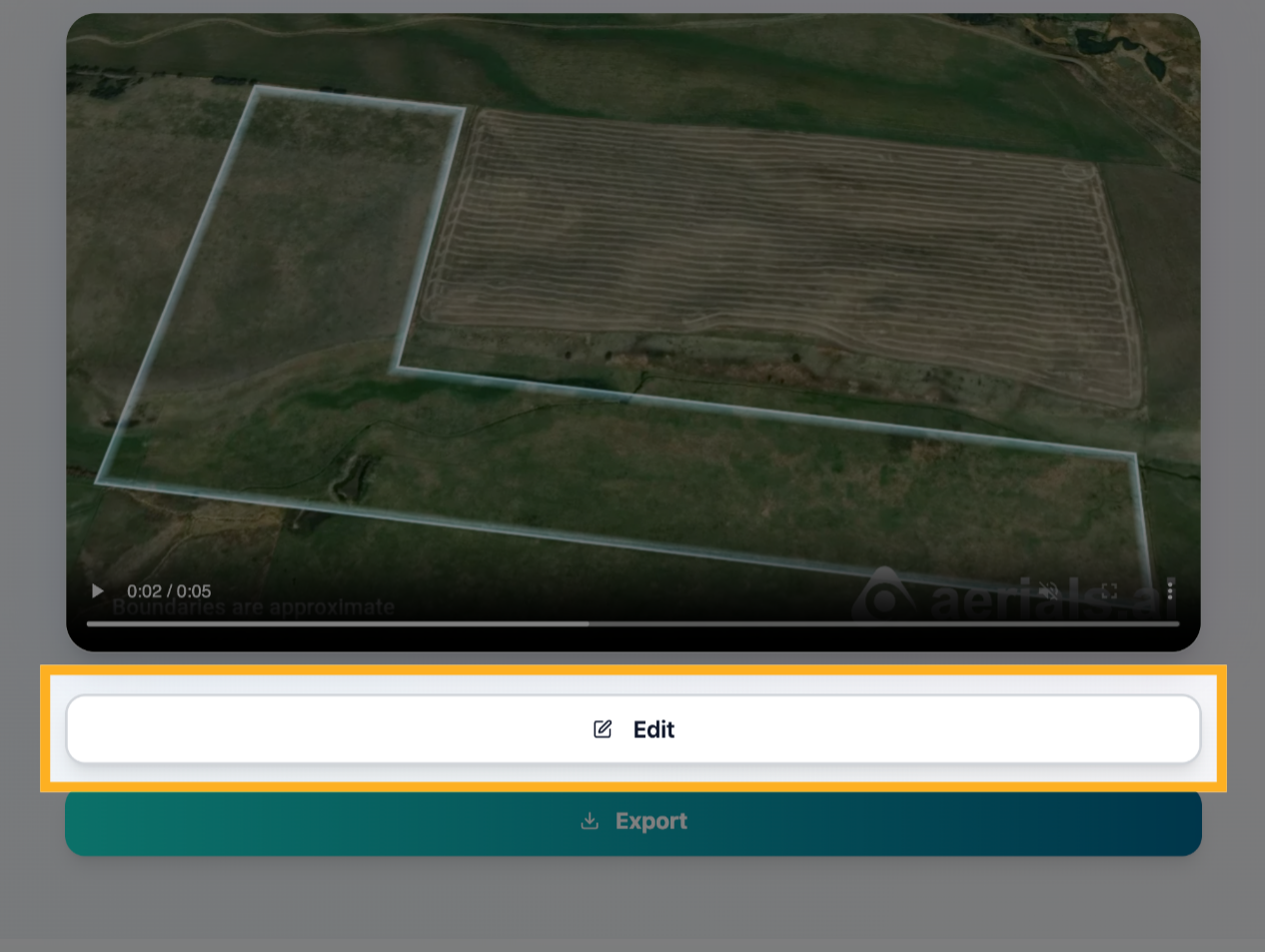
1) Click “Edit” to open the edit box
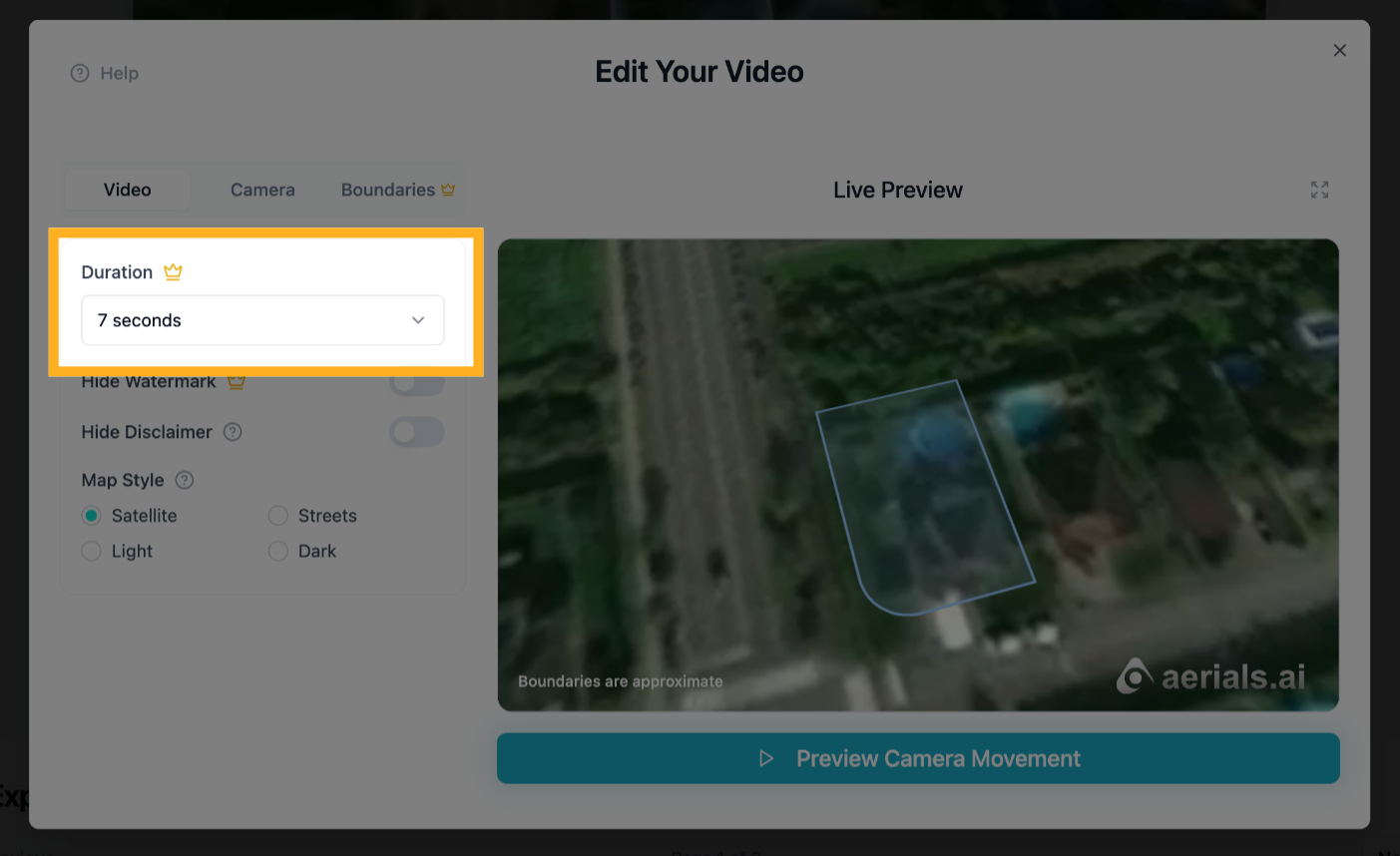
2) Change Duration (“Pro” feature)
Click on the Duration dropdown to change duration
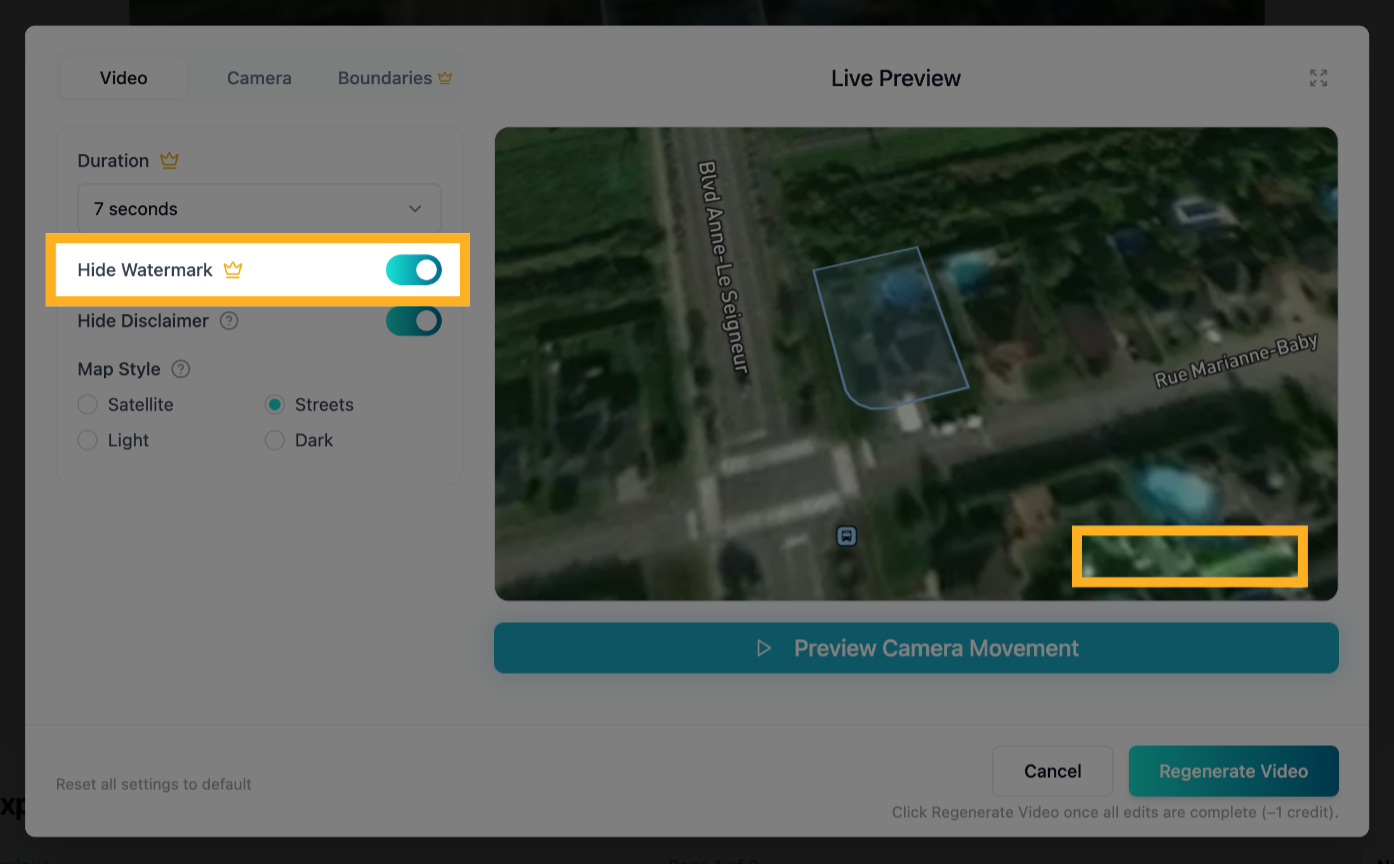
3) Hide “Aerials.ai” Watermark (“Pro” feature)
Click the “Hide Watermark” toggle to hide the watermark from your video
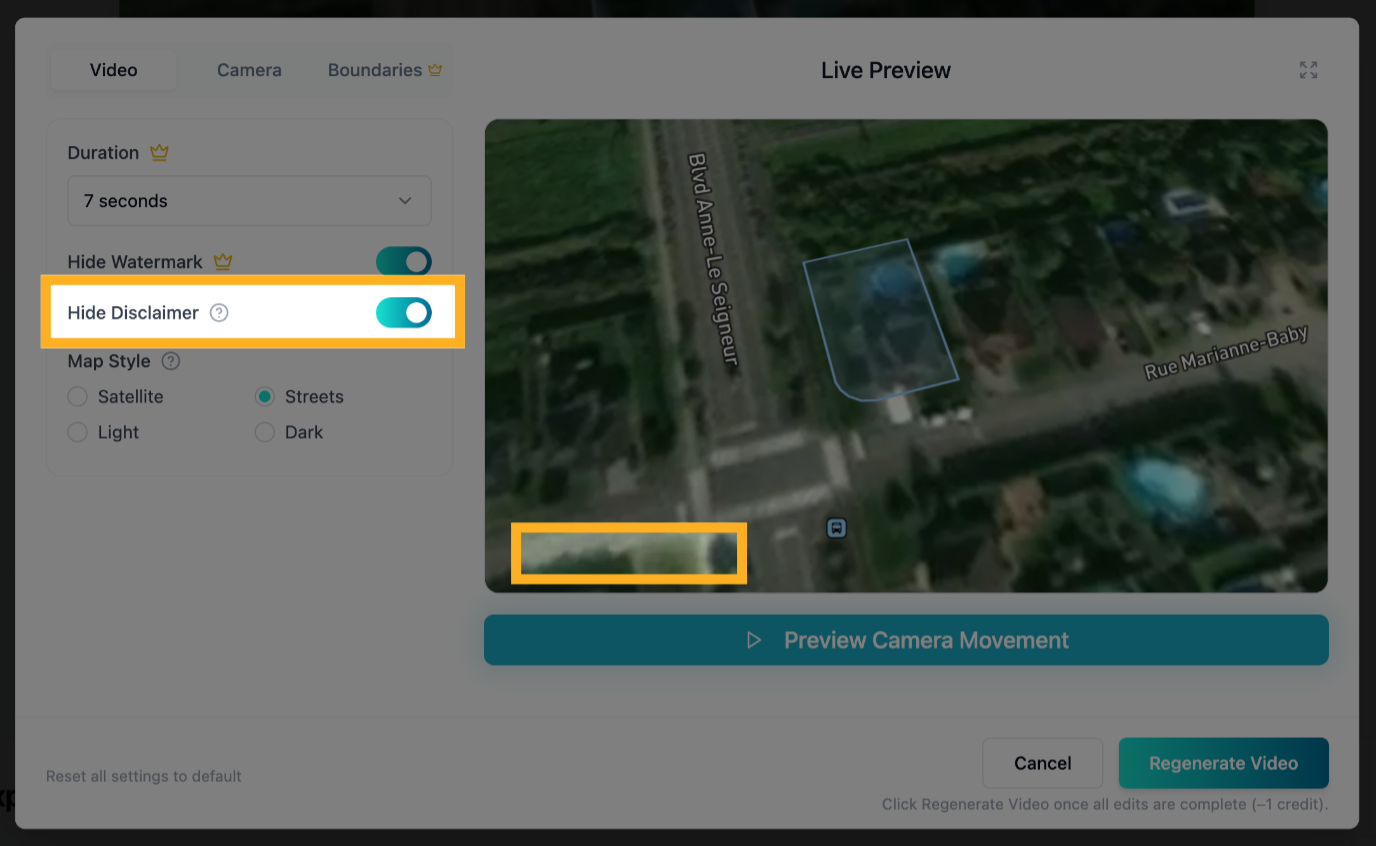
4) Hide the Disclaimer
Click the “Hide Disclaimer” toggle to hide the “Boundaries are approximate” disclaimer from your video
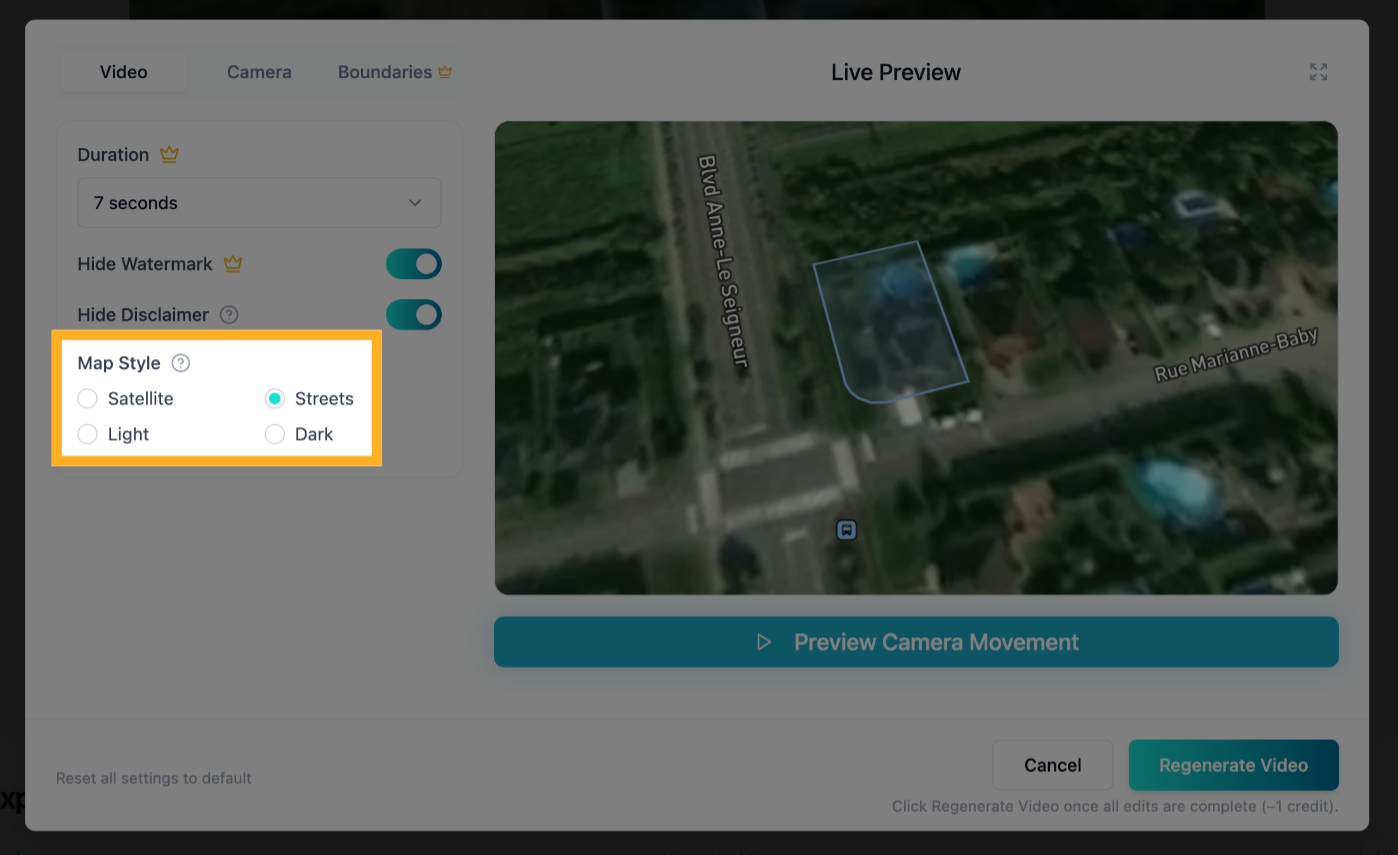
5) Change Map Style
Click one of the map style options to change the base map on your video
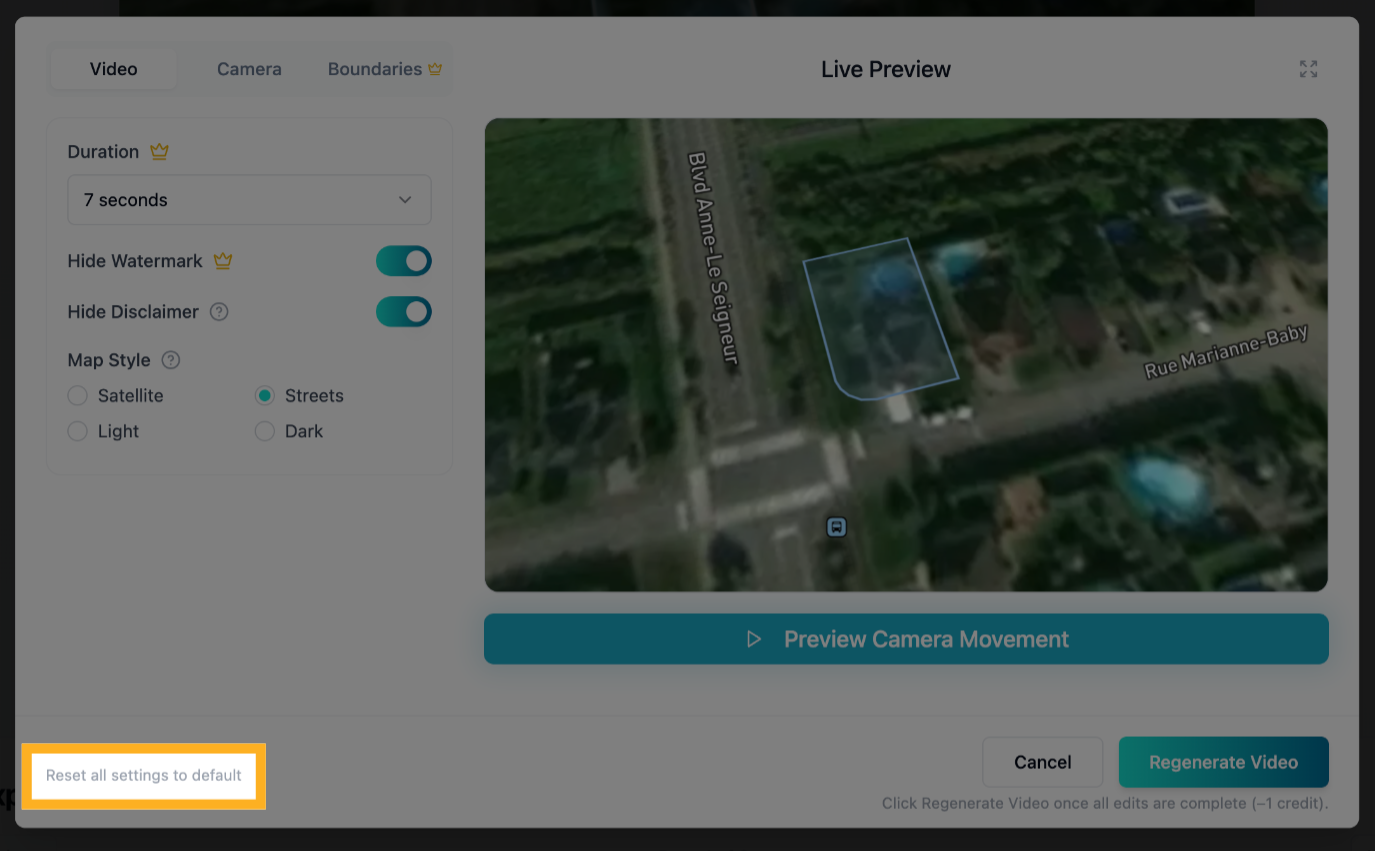
6) Reset All Settings to Default
Click “Reset all settings to default” to reset all settings across all edit tabs back to theiroriginal defaults.
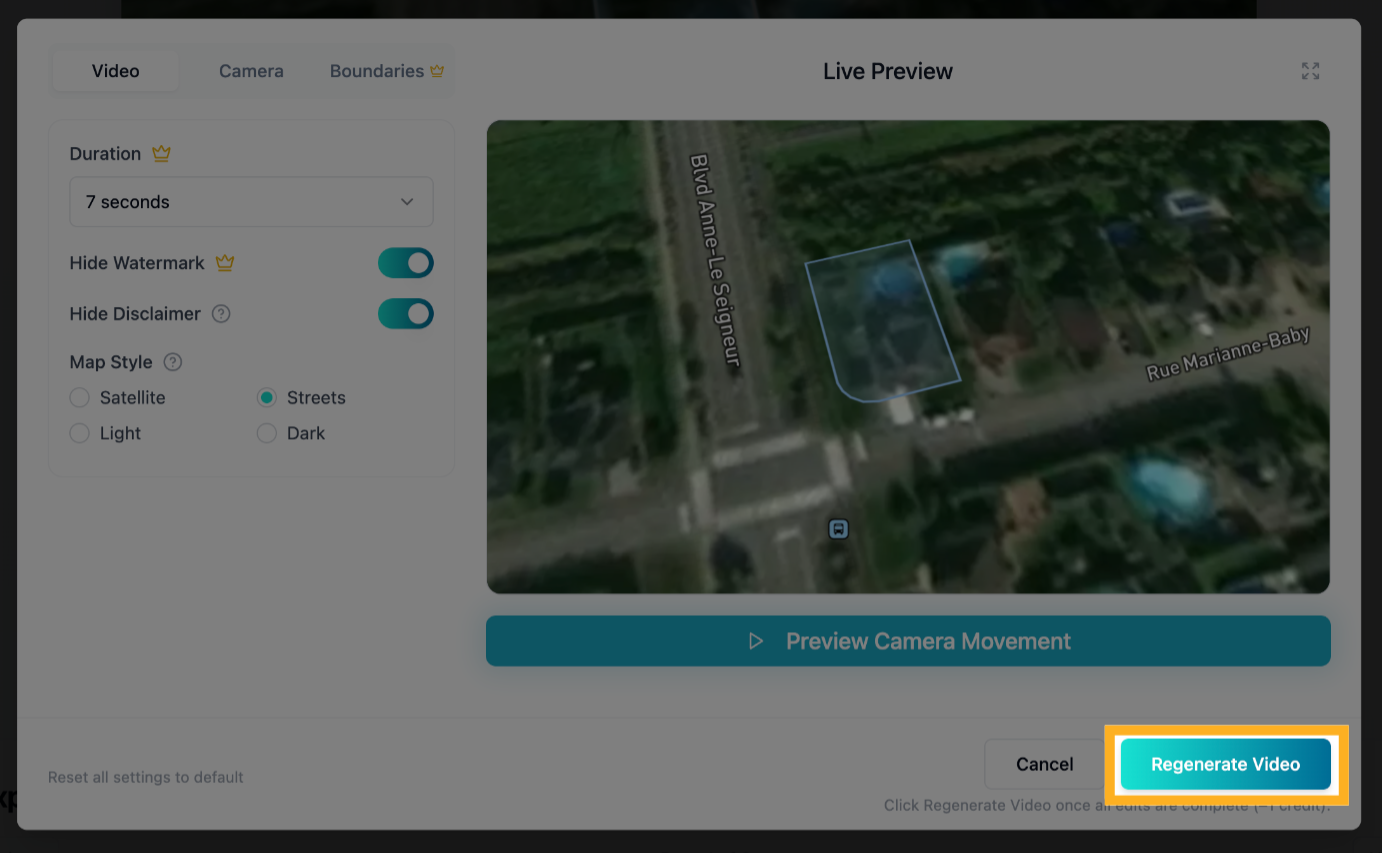
7) Regenerate Your Video
NOTE: Click the Regenerate Video button only after all your desired edits across all edit tabs are complete. This will regenerate the video from scratch and will cost another credit.