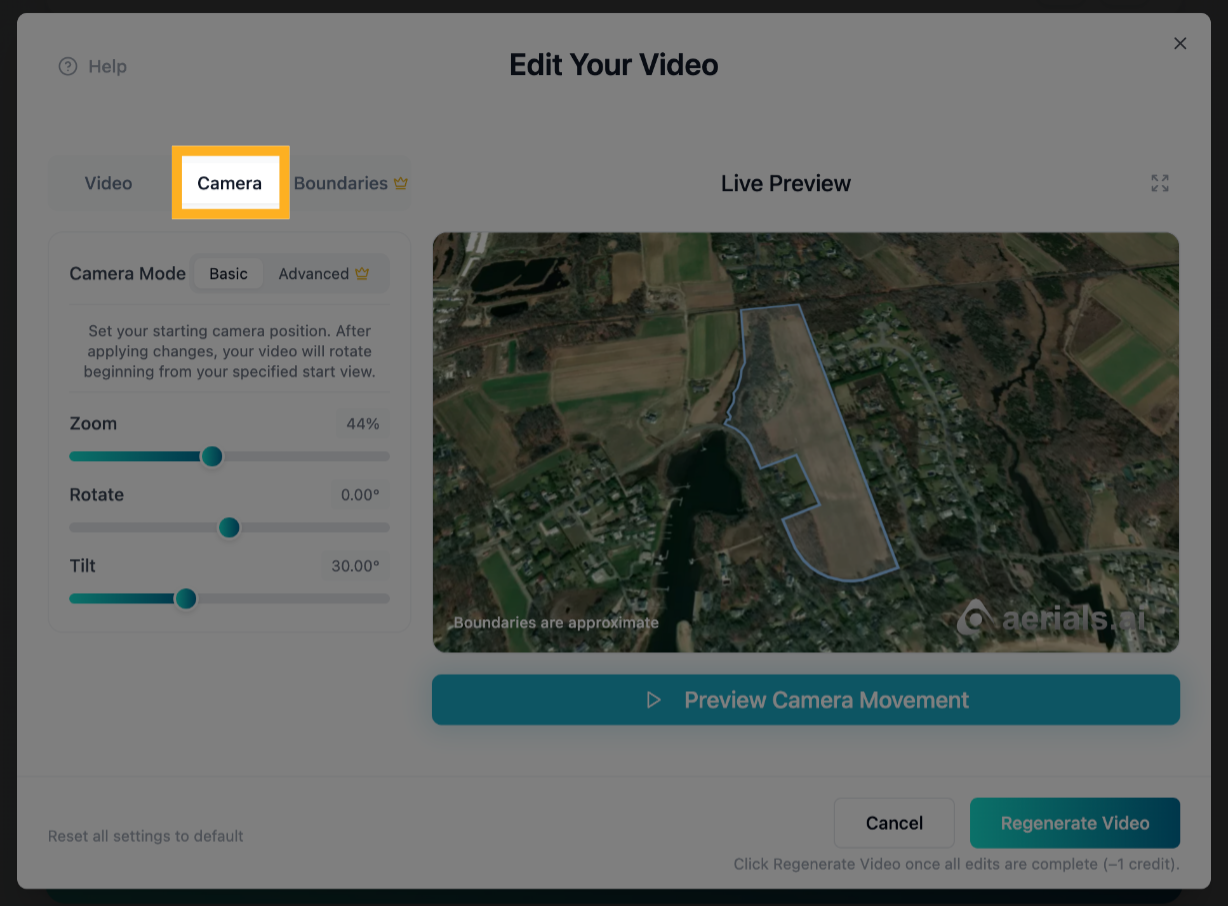
1) Click the “Camera” tab
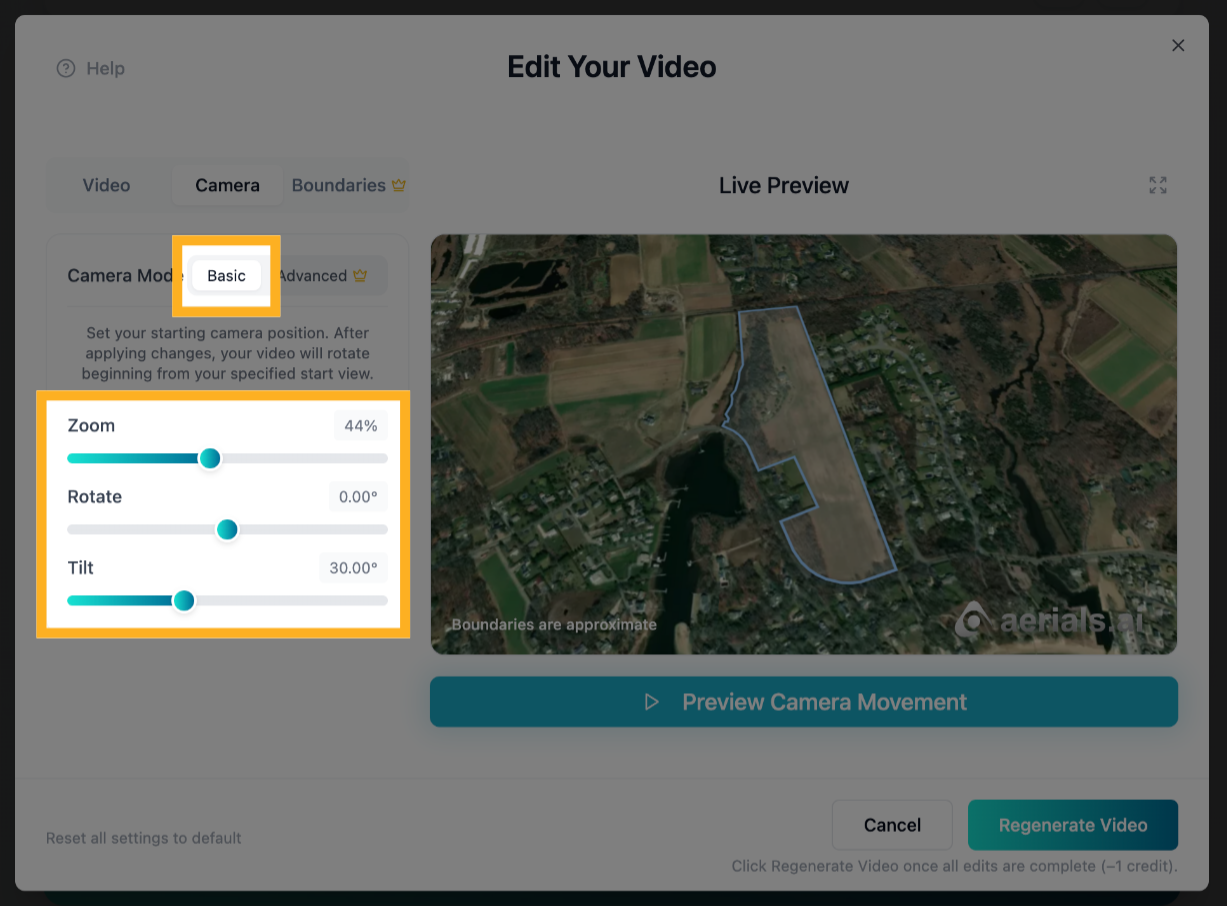
2) The “Basic” Camera Tab
In the “Basic” camera tab, you can click and slide the sliders on the “Zoom”, “Rotate”, and “Tilt” rows to adjust the starting camera angle for your video.

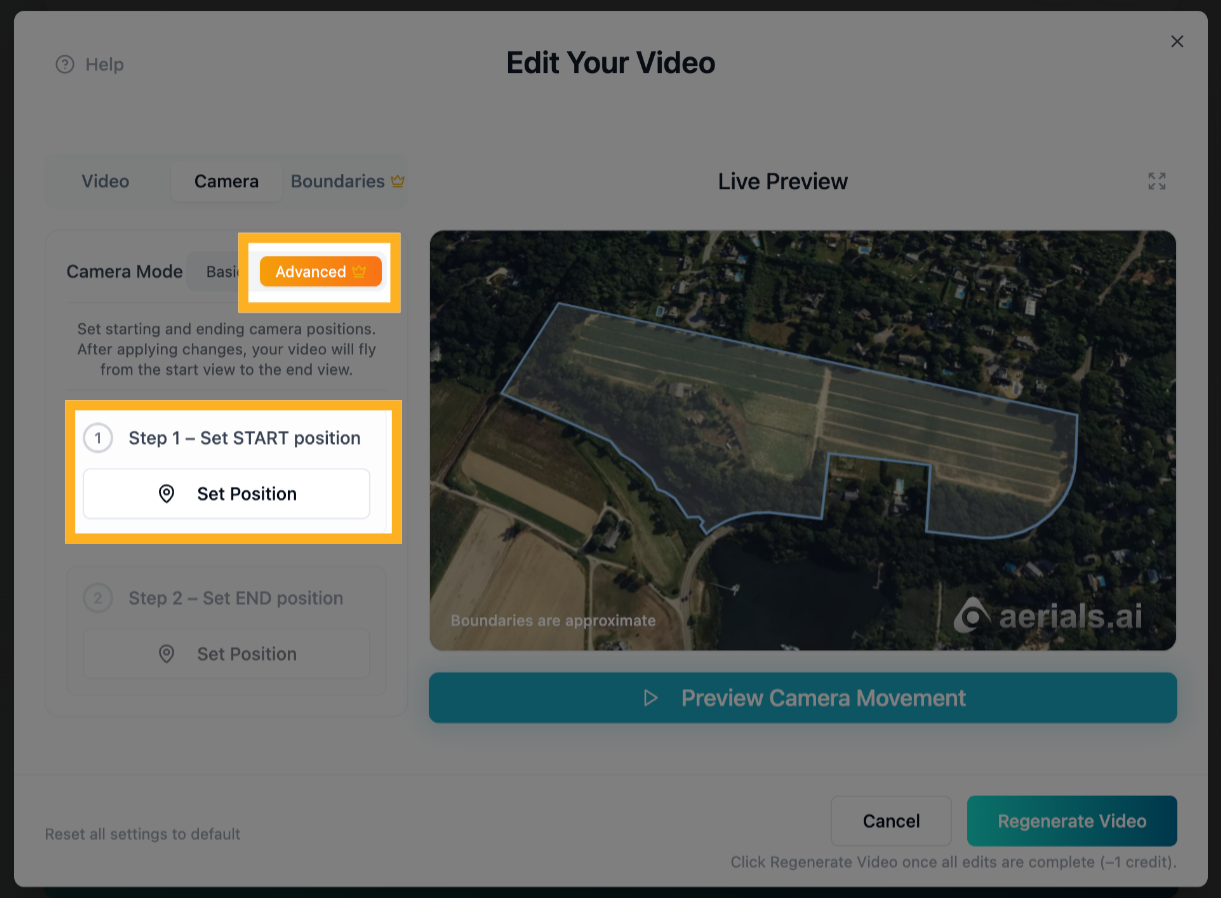
3) The “Advanced” Camera Tab (“Pro” feature)
In the “Advanced” camera tab, you can set fully custom starting and ending camera angles. After regenerating your video, it will fly from the start position to the end position.
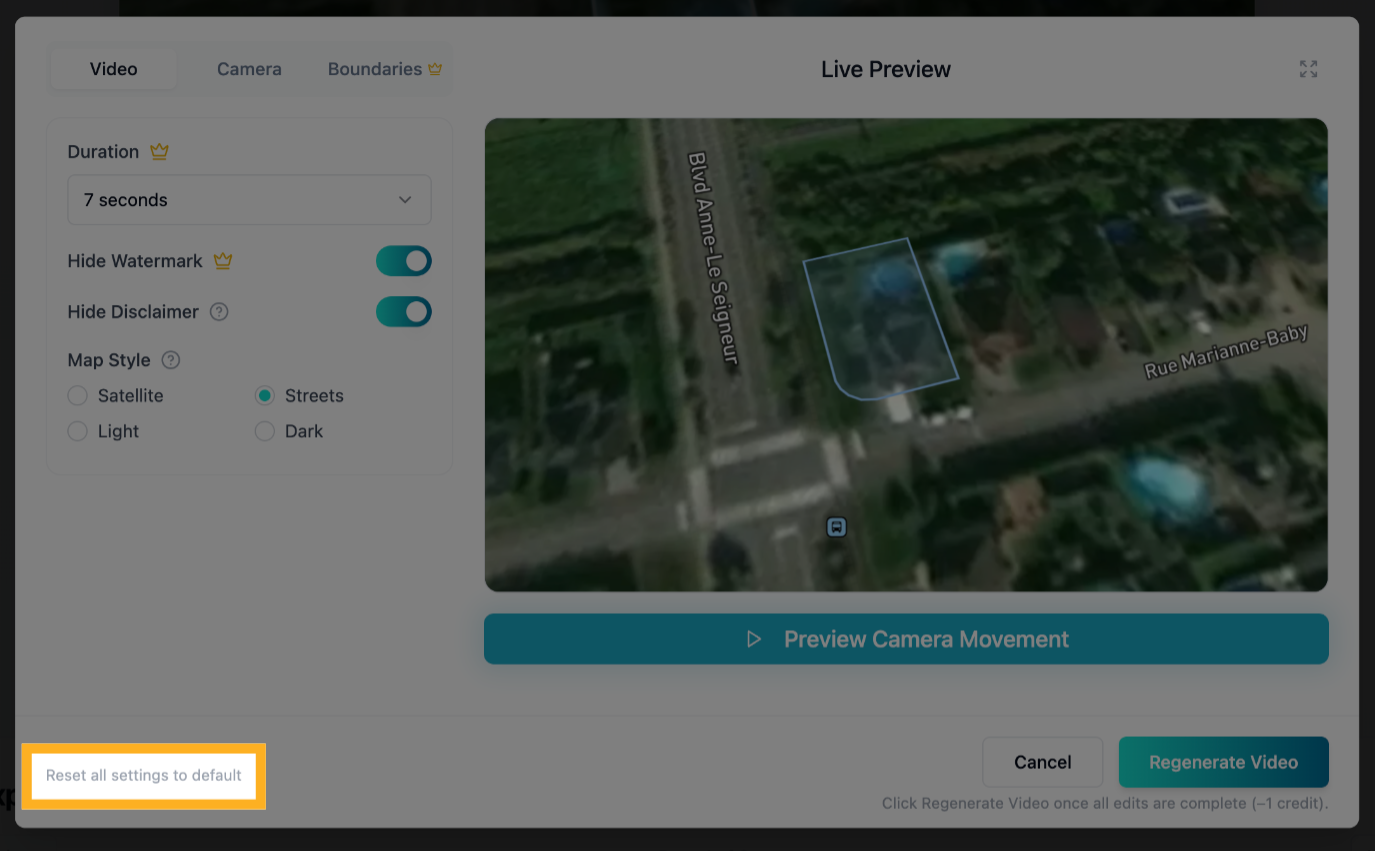
4) Reset All Settings to Default
Click “Reset all settings to default” to reset all settings across all edit tabs (including the original camera angles) back to their original defaults.
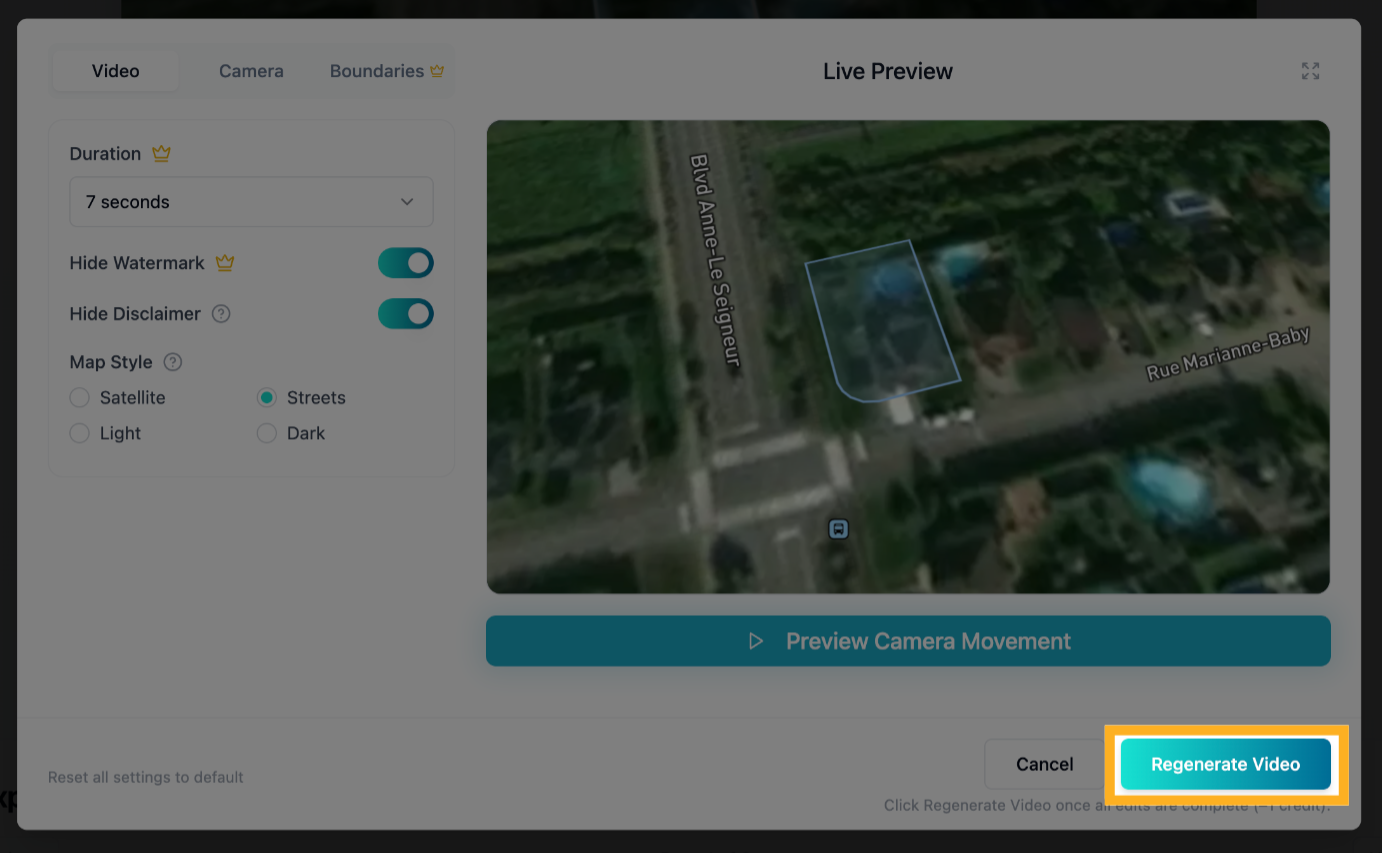
5) Regenerate Your Video
NOTE: Click the Regenerate Video button only after all your desired edits across all edit tabs are complete. This will regenerate the video from scratch and will cost another credit.